Pizarra Escolar
Ninety teaching tools, on a single canvas.
- Sector
- Education · K-9
- Status
- In production
- Visit the site
- Visit the site (opens in a new tab)
The challenge
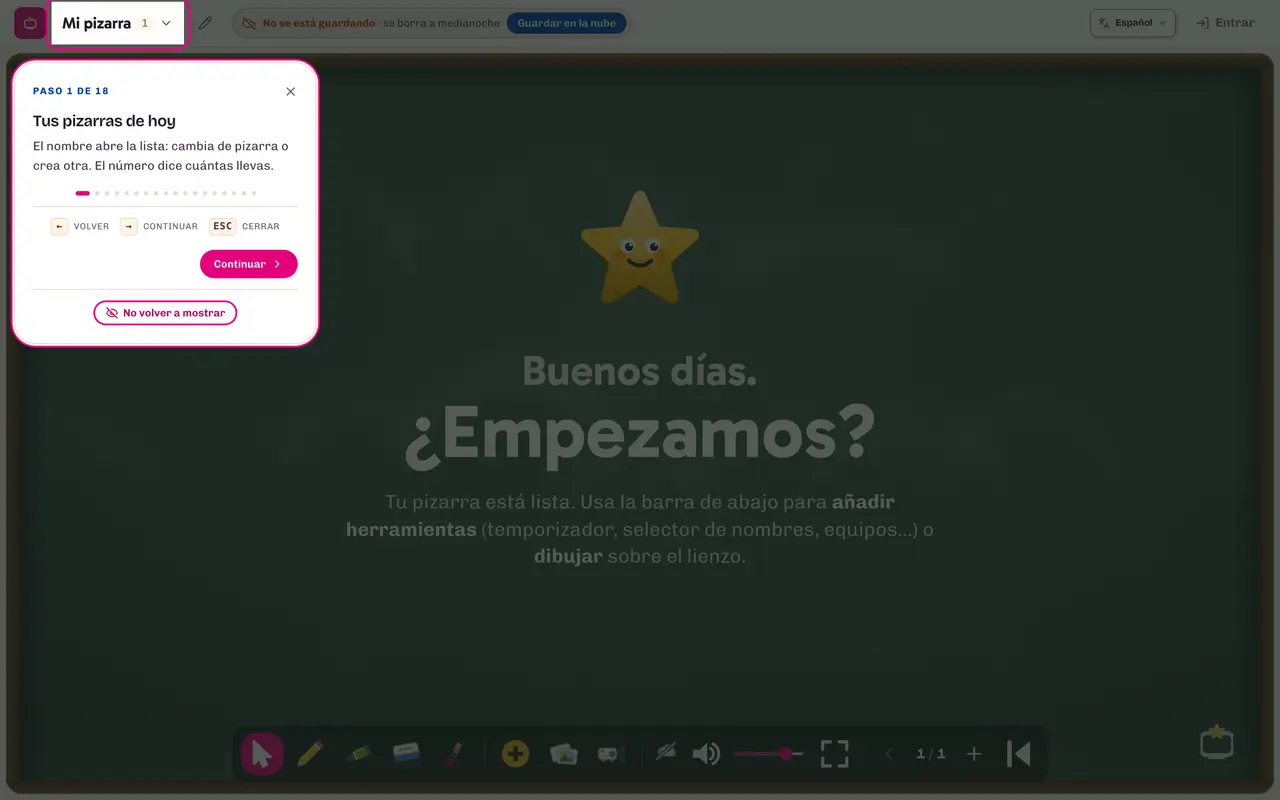
A teacher projecting in class jumps between tabs. A timer here, a name picker there, a poll on another site that asks every student for an account. Every switch costs the group's attention.
The need was a single board, ready in seconds, that worked with no account and nothing to install, that students could answer from their phones and that could be projected on a second screen without depending on a server.
What we built
- 01
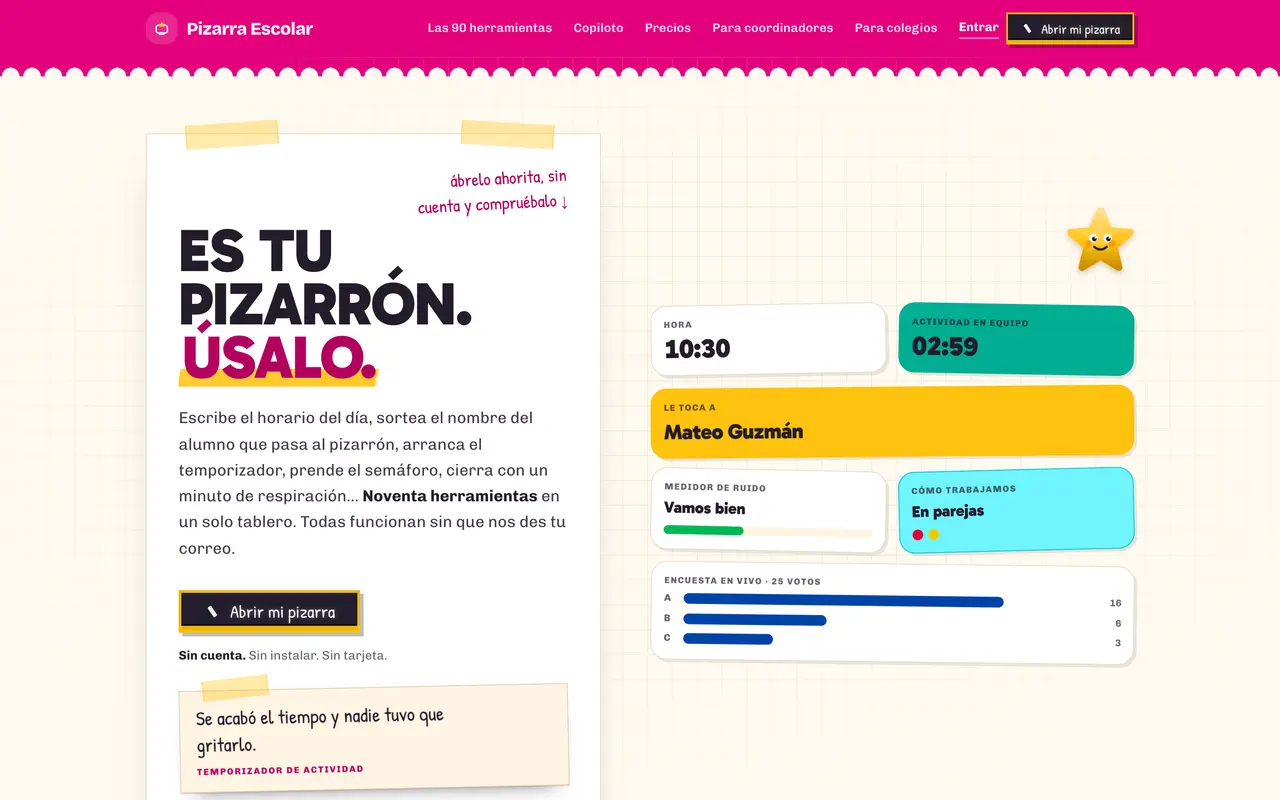
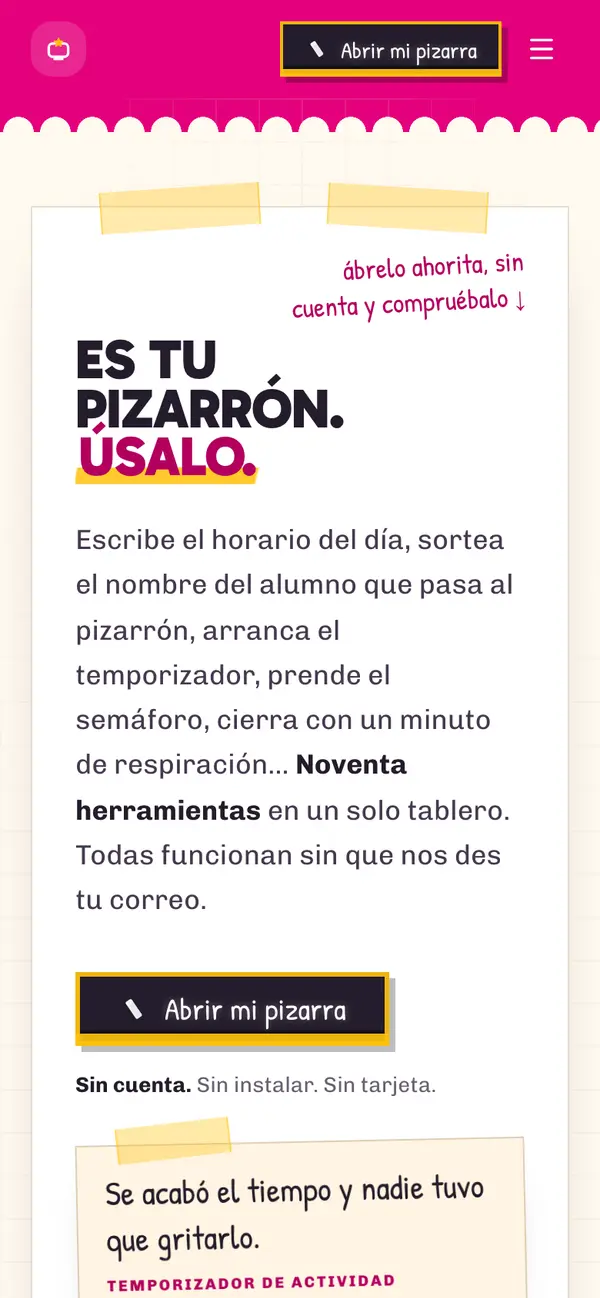
Ninety tools on one canvas
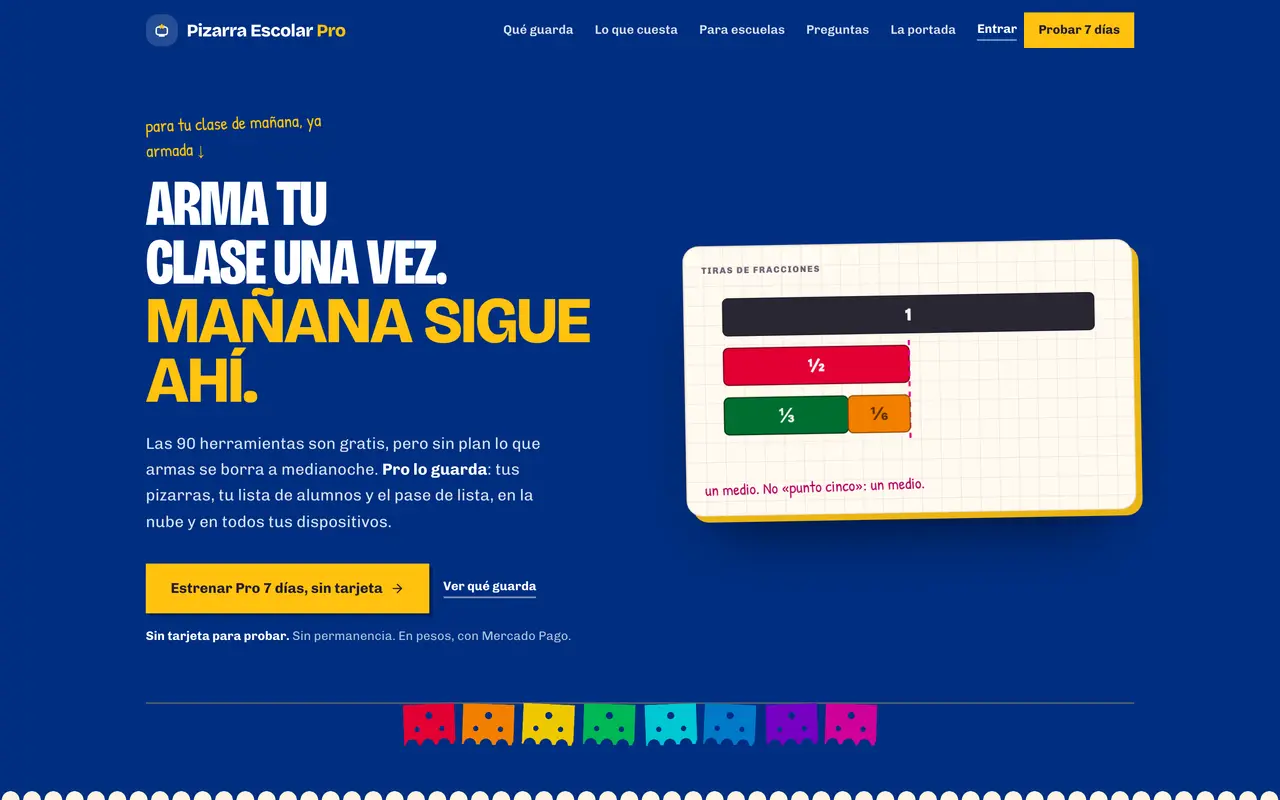
Timers, name picker, math manipulatives, English and 48 ready-made templates.
- 02
Free board, no account
Open it and use it. No email, nothing to install, no card.
- 03
Live polls and races
Students join by QR from their phones and answers appear in real time.
- 04
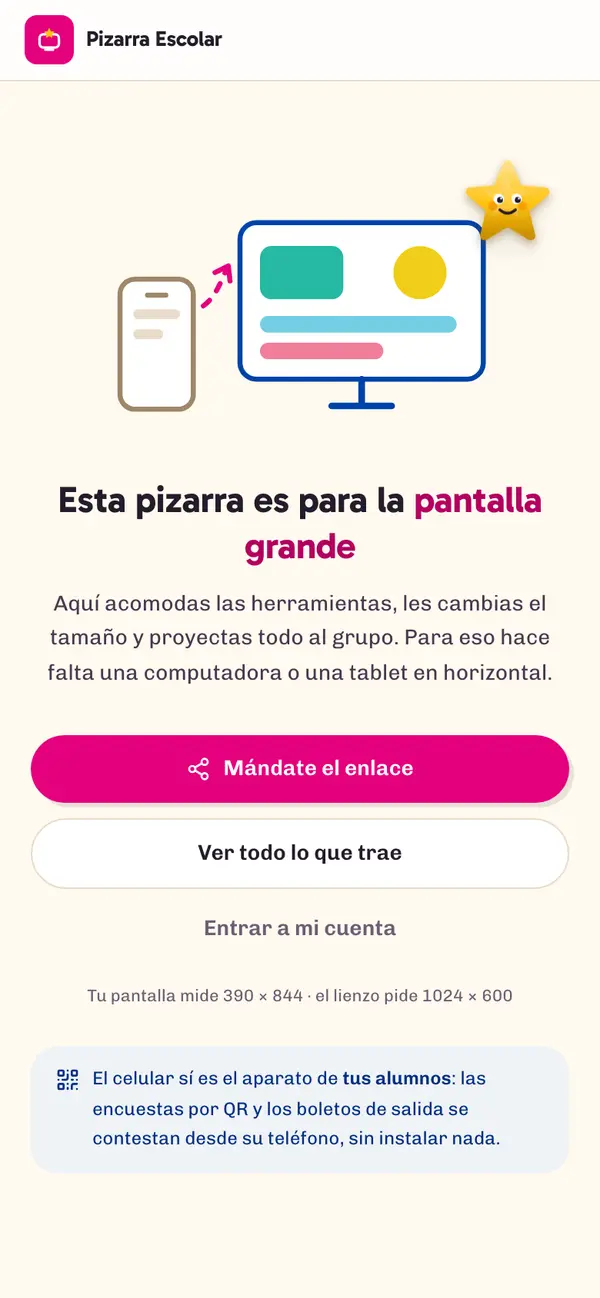
Second screen without a server
The projection view syncs inside the browser, even when the school's signal is poor.
- 05
Artificial intelligence copilot
Builds the board from a topic, suggests questions and helps with lesson planning.
- 06
Rosters, attendance and draws
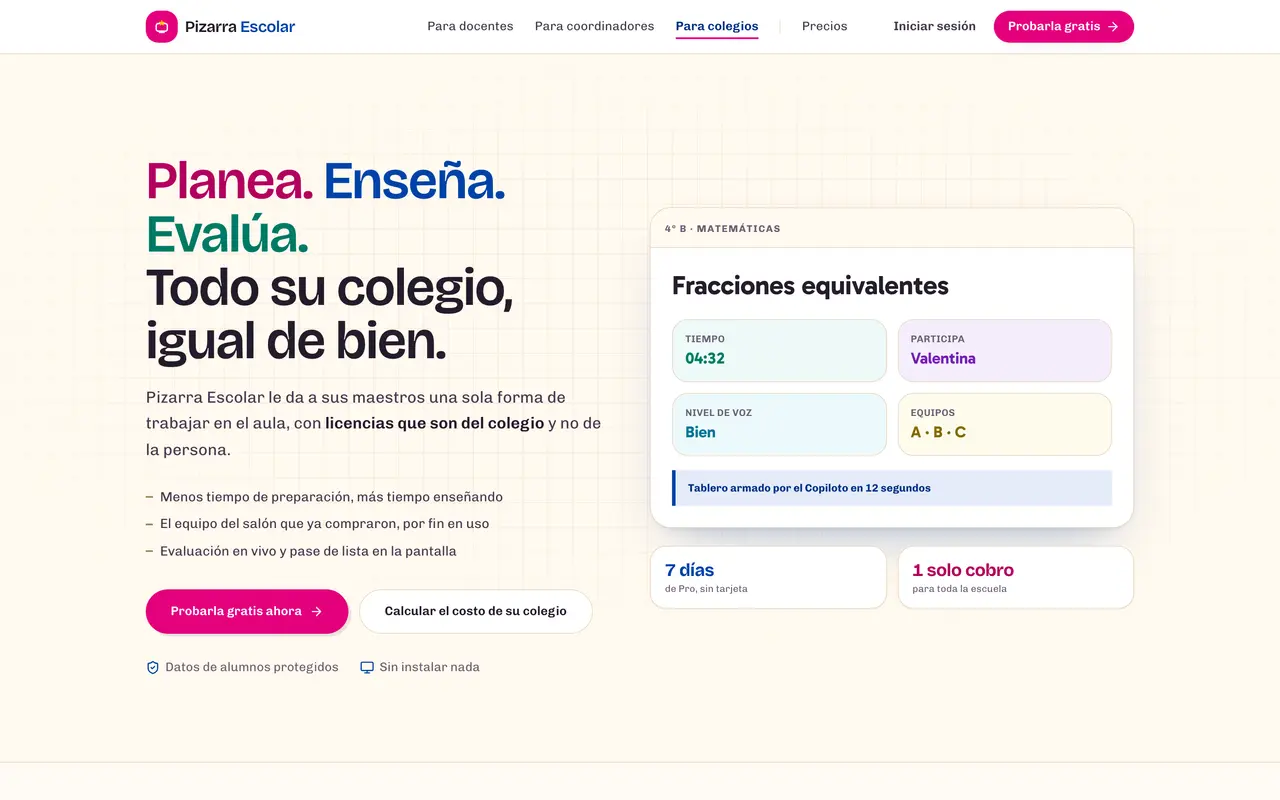
Student rosters, attendance with history, teams and fair draws.
The live scene
Under the hood
How it is put together, end to end.
01
Browser and phone
- Teacher's canvas (PWA)
- Projector on a second screen
- Students' phones
02
Application
- Next.js 16
- React 19
- TypeScript
03
Data
- Supabase Postgres with RLS
- Supabase Realtime
- Cloudflare R2
04
External services
- Mercado Pago
- Anthropic
- Resend
- Cloudflare Turnstile
An engineering detail
The second screen, without a server
When the teacher opens the projection view, a second window of the same browser opens. The two talk through an internal browser channel.
Whatever happens on the canvas appears instantly on the projector, without traveling over the internet. It works even when the school has a poor signal.
// Simplified illustration
const channel = new BroadcastChannel('board');

// Teacher window: every change is announced
canvas.onChange((state) => channel.postMessage(state));

// Projector window: it only listens and draws
channel.onmessage = ({ data }) => draw(data);
Repository figures
- 55
- automated tests
- 82
- database tables
- 85
- API routes
- 143
- migrations
Counted in the source code on November 23, 2026.
Gallery
Technology
- Next.js 16
- React 19
- TypeScript
- Tailwind CSS 3
- Supabase (Postgres · RLS · Auth · Realtime)
- Vercel
- Mercado Pago
- Anthropic
- Resend
- Cloudflare R2
- Cloudflare Turnstile
- PWA